
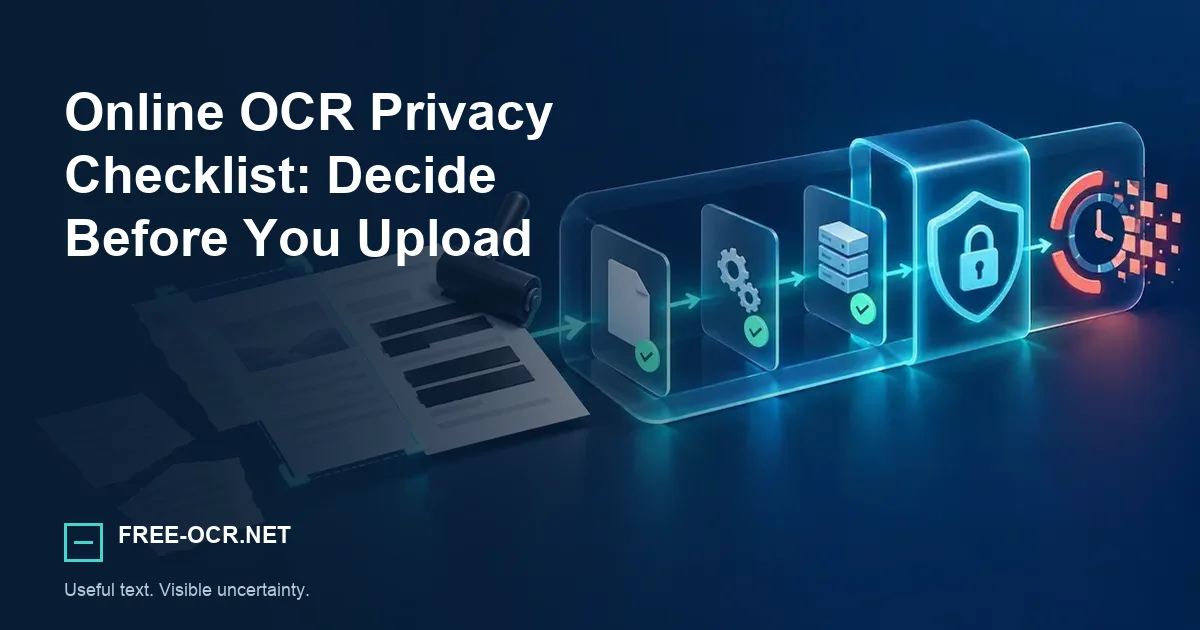
Use this privacy checklist before uploading a document to an OCR service, including sensitivity, retention, access, and offline alternatives.
Decide before the upload
Classify the document, remove unnecessary data, and understand every processor and retention period before sending a file to an online OCR service.
Stop and use an approved controlled workflow when
- The document is regulated, privileged, or contractually restricted.
- You cannot identify where a copy is sent or how long it is retained.
- Exposure could materially harm the subject of the document.
Classify the document
Look for identity numbers, health information, account details, legal privilege, trade secrets, children's data, or information belonging to another person. If exposure would cause harm or breach a duty, prefer an approved offline or organizational tool.
Look beyond obvious identity details
Names, addresses, faces, signatures, account references, case numbers, dates, and surrounding context can identify a person or reveal confidential activity when combined.
Check the data path
Find out whether processing occurs locally or on a server, whether transport is encrypted, how long inputs and outputs are kept, whether humans can access them, and whether data is reused for training or analytics.
- Location
- Does OCR run in the browser, on the site's server, or through another provider?
- Access
- Can staff, contractors, or automated training systems use the uploaded content?
- Retention
- When are the source, result, backup, and log records removed?
- Control
- Can you delete the copy, and does your organization permit this processor?
For this service, the complete processor path and retention limits are listed on the security and file-handling page.
Minimize before upload
Crop unrelated regions and redact data the task does not require. Redaction must remove pixels, not merely place an opaque shape in a reversible document layer.
Crop
Keep only the region needed for the recognition task.
Redact
Remove pixels irreversibly, then export and inspect the flattened result.
Recheck
Review margins, metadata, other pages, and background windows before upload.
Delete and verify
Download the result, use any deletion control, and understand automatic retention. A promise of deletion does not replace legal or organizational approval for restricted data.
Deletion is one control, not permission
A short expiry period reduces exposure, but it does not make an unapproved service suitable for legal, health, financial, client, or employee records.
The Free-OCR.net privacy policy explains file processing, account storage, logs, cookies, and user choices.
How this site handles files
Free-OCR.net deletes its local working copy after processing and expires local result files automatically. When remote OCR is enabled, a processed copy is sent to Wallpapers.com Document OCR, whose API documentation describes private long-term storage. Review the security page before uploading sensitive material.
Practical rule: do not upload sensitive material when the documented processor path conflicts with your legal, professional, contractual, or organizational duties.
Method and sources
The checklist follows the visible data path documented by this service and its named processor. It does not replace legal, contractual, or organizational approval for regulated or confidential documents. Reproduce the technical behavior with the documented Free-OCR.net OCR methodology.