
Run standard OCR here
Upload one ordinary image or a scanned PDF of up to 25 pages, adjust recognition settings if needed, then review and export the returned text.
Free-OCR.net converts images and scanned PDFs into editable text. Process two files without an account, review the OCR confidence signal, and export TXT, Markdown, Word, JSON, or CSV.
Files expire after 60 minutes
Check names, amounts, dates, IDs, and other consequential fields against the source.
Free-OCR.net returns editable text and review data. It does not hide limits or promise to reproduce a document it cannot rebuild.
This homepage is the general-purpose runner for an image or short scanned PDF. Move to a dedicated route only when the source or required output needs different controls.
Upload one ordinary image or a scanned PDF of up to 25 pages, adjust recognition settings if needed, then review and export the returned text.
Open Image to Text for mixed document images or PDF to Text for page-range extraction from a short scan.
Use the directory when you need a text layer, table reconstruction, formula markup, form fields, contact data, or another output beyond general text.
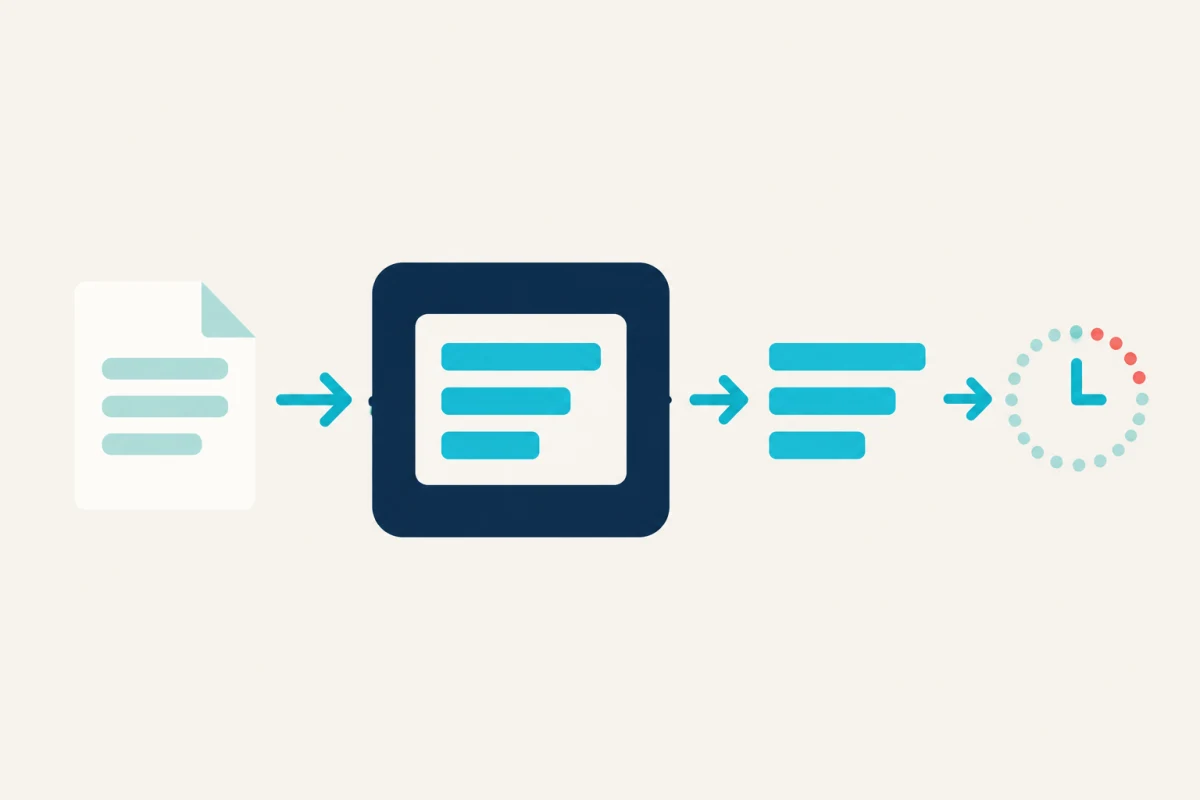
The source remains a page image. OCR adds a usable text representation that can be searched, reviewed, copied, and exported. The practical explanation of how OCR works shows where recognition and reading-order errors enter the pipeline.
OCR accuracy depends on source quality, layout assumptions, recognition, and human review. Our OCR methodology explains the local confidence signal, structured output, and fallback path so you can interpret the result.
Inspect our methodology →Every stage solves a different problem. That is why the interface exposes the decisions that materially change the result.
Correct orientation, normalize contrast, and reduce light scan noise while protecting character edges.
Choose automatic, single-block, or sparse-text layout assumptions to match the actual page.
Wallpapers Document OCR returns the primary structured text when configured. Tesseract supplies local diagnostics and a working fallback.
Inspect low-confidence text and verify names, numbers, dates, and consequential fields against the source.
Choose a topic by the decision you need to make: understand OCR, improve the source, manage document structure, or protect sensitive data.
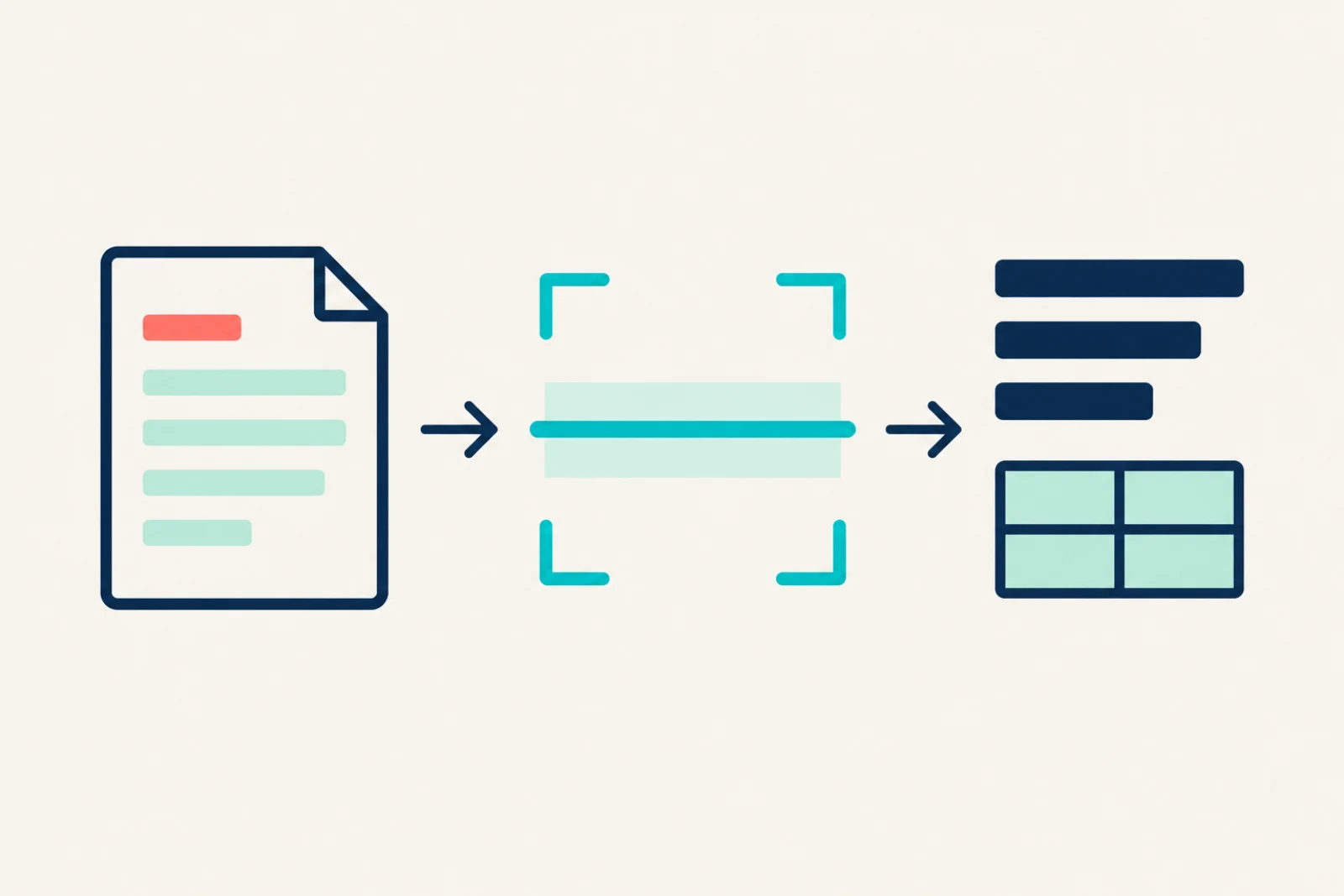
Learn how optical character recognition turns images into text, how OCR confidence works, why errors happen, and when human review is required.
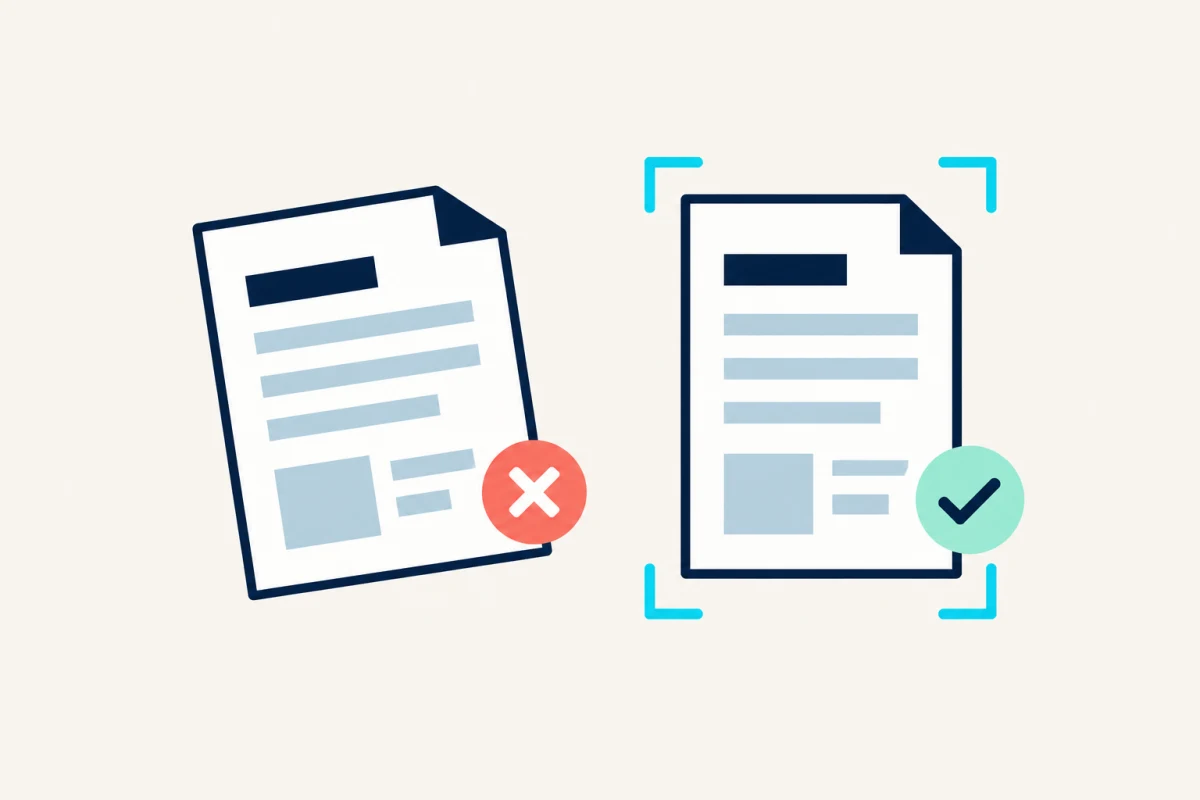
Improve OCR accuracy with practical guidance on scan resolution, focus, lighting, contrast, rotation, layout selection, and result review.
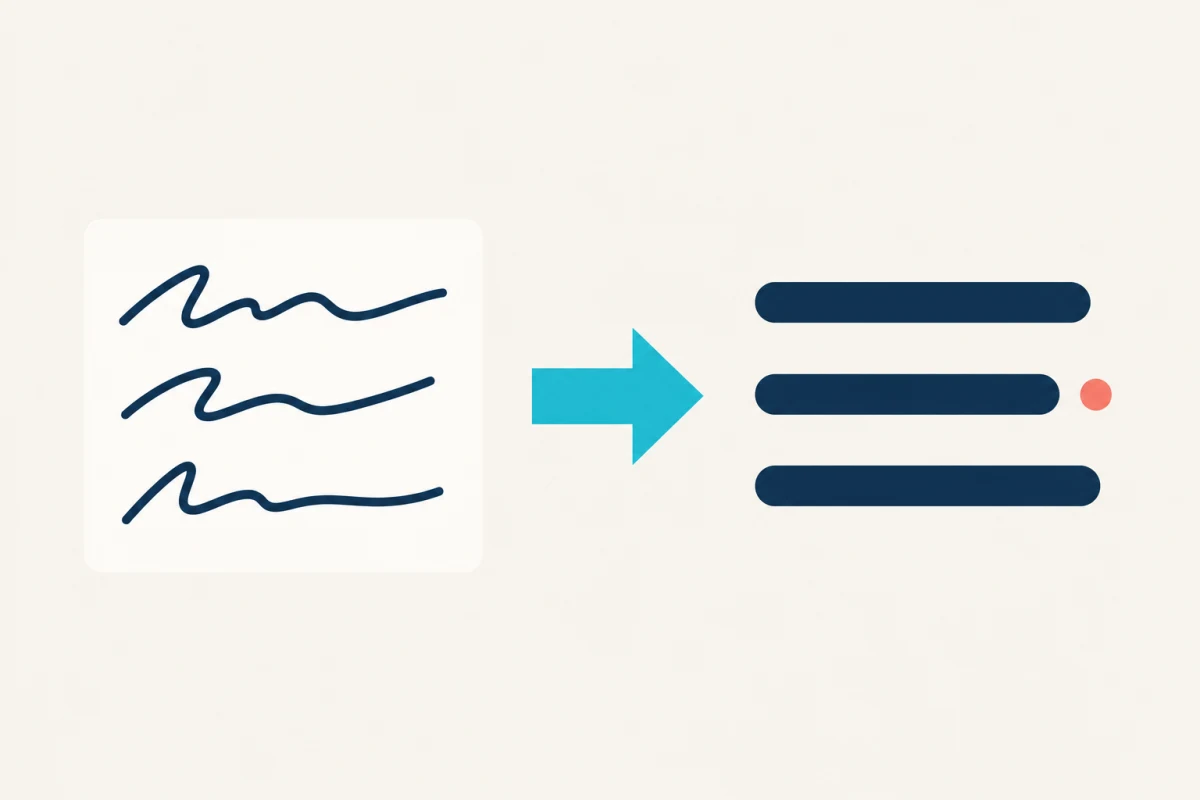
Build practical OCR workflows for scanned PDFs, screenshots, handwriting, receipts, invoices, tables, archives, and accessible documents.
Evaluate online OCR privacy, file retention, remote processing, sensitive-document risks, and when a controlled offline OCR workflow is safer.
Free-OCR.net removes its local working copy after processing and expires local guest exports. When remote OCR is enabled, the provider receives a processed copy and documents private long-term storage. Use the online OCR privacy checklist to decide whether sensitive, regulated, privileged, or third-party documents belong in an approved offline workflow.
These answers describe the current tool, its real limits, and the review work that still belongs to you.
Yes. You can extract text and download TXT, Markdown, Word, JSON, or CSV without an account. An account is optional and keeps saved exports for 30 days. Compare guest and account storage.
Upload PDF, JPG, JPEG, PNG, WebP, BMP, or TIFF files up to 20 MB. A PDF run can process one page or a range of up to 25 pages. Choose the matching OCR tool.
Yes. Copy a screenshot or image, then paste while the OCR uploader is open. PDF documents still need to be chosen or dropped into the uploader. Read the screenshot workflow.
When structured document OCR is available, Automatic reads English, Chinese, or a document containing both without asking the user to choose first. It transcribes the visible language and does not translate it. The current model does not promise reliable identification or recognition for every other language. Read how language handling works.
Free-OCR.net provides two Word outputs. The layout-preserved DOCX keeps each source page as the visible page and adds hidden searchable OCR text. The editable DOCX rebuilds recognized content for editing and may reflow complex columns, fonts, handwriting, or spacing. Compare text and searchable PDF output.
Start with an upright, high-contrast source near 300 dpi. Match the cleanup and layout settings to the page, then verify names, dates, amounts, identifiers, and low-confidence text against the source. Use the accuracy checklist.
Local guest files and exports expire after 60 minutes. Signed-in exports expire after 30 days. If remote OCR is enabled, the uploader identifies the provider path and links to its retention details before processing. Review file handling and retention.
Clear, print-like handwriting may produce a useful draft, but connected cursive and personal letterforms are less reliable than printed text. Treat handwriting output as a transcription draft that needs review. Understand handwriting limits.
These six useful starting points rotate every day. Use the full sitemap whenever you want to browse every public tool, guide, method, and policy.
Use PDF OCR when pages are scans rather than selectable text, then review reading order one page at a time.
Confidence is the engine's certainty about its own prediction, not an independent measurement of truth.
A useful accuracy workflow identifies whether information was lost during capture, preprocessing, layout detection, or recognition before trying another tool.
JPG OCR works best on square, well-lit camera captures where compression has not softened small character details.
The largest OCR gains often come from fixing the capture, not changing the recognition engine.
The best route depends on the next task. Search, visual reference, structured processing, accessibility, and accounting review need different outputs and checks.
New, dated guidance from the editorial publishing queue.
Learn where OCR ends and AI begins, how document recognition systems differ, and which review steps still require human judgment.
Published 2026-10-26Start free, review the confidence, and download the format your next step actually needs.
Upload a file here →