
Preserve the source
Keep the original file as the authority when OCR output will be corrected, transformed, or audited.
Build practical OCR workflows for scanned PDFs, screenshots, handwriting, receipts, invoices, tables, archives, and accessible documents.
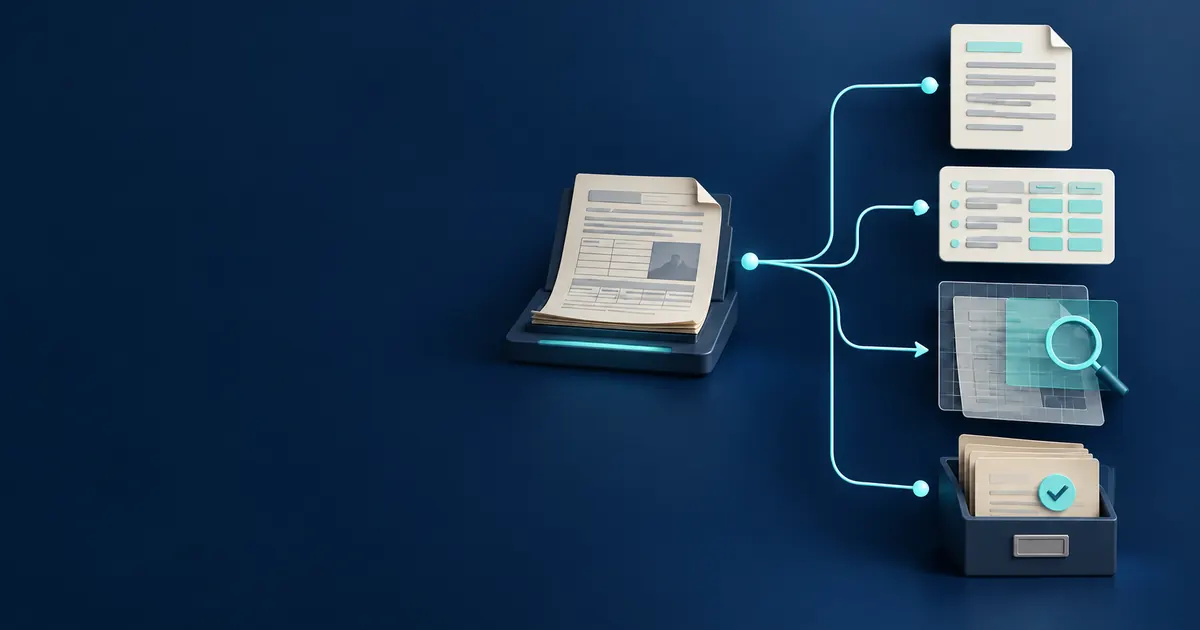
The best route depends on the next task. Search, visual reference, structured processing, accessibility, and accounting review need different outputs and checks. When you are ready to apply the guidance, choose a workflow tool.
Choose an output with the OCR format comparison, then check document structure with the reading-order guide before sharing or archiving the result.
Keep the original file as the authority when OCR output will be corrected, transformed, or audited.
Use plain text for reading, Markdown for lightweight structure, and JSON or CSV for diagnostics and automation.
Tables, columns, forms, and multi-panel interfaces can contain correct words in the wrong sequence.
The export format should follow the next task. Plain text is easy to reuse but loses page geometry. The layout-preserved Word file retains each visible source page and adds hidden searchable OCR text, while the editable Word file rebuilds recognized content and can reflow complex layouts. Keep the untouched source whenever signatures, annotations, or exact geometry carry meaning.
| Output | Preserves | Does not preserve | Good next step |
|---|---|---|---|
| TXT | Readable character sequence | Page design, word positions, and reliable table structure | Search, copy, draft editing, or manual cleanup |
| Markdown | Readable text with lightweight sections when available | Exact typography and visual page reconstruction | Notes, knowledge bases, and structured drafting |
| Editable Word | Recognized headings, paragraphs, lists, and broad Latin, Chinese, math, and symbol font coverage | Guaranteed original fonts, columns, line positions, or page geometry | Rewriting and paragraph-level editing |
| Layout-preserved Word | The visible source page, page sequence, and hidden searchable OCR text | Direct editing of each visible paragraph or accurate semantic document structure | Visual reference, search, and source-aligned review |
| JSON | Primary text, engine details, and page-level local diagnostics | A guaranteed semantic model of every form or table | Application logic, audits, or custom review interfaces |
| CSV | Local word positions and confidence by row | Proof that columns or fields were interpreted correctly | Positional checks, filtering, and field-mapping work |
One generic OCR checklist cannot cover every document. Use the source and destination to decide what must remain connected and what can be discarded. A visible grid belongs in the cell-by-cell Table to Markdown workflow, while a large scanned report is easier to control with long PDF OCR and page retries.
Test a difficult page range, confirm page order, then review headings, columns, headers, and footers. Keep the PDF beside the exported text because plain OCR output does not preserve the visual page.
Open scanned PDF OCRSeparate character recognition from field assignment. Verify vendor, date, subtotal, tax, total, currency, and line relationships, then recalculate arithmetic rather than trusting a plausible number.
Use the field-first workflowTreat recognition as a draft. Mark uncertain names and numbers, retain the source, and use a second reviewer or double entry when a transcription error could change the record.
Review handwriting limitsUse recognized text as one input, then repair headings, reading order, links, table relationships, language, and alternative text in an authoring or remediation tool.
Plan accessibility remediationThese guides address handwriting, tables, searchable output, and reading order as separate document problems with different review requirements.
Handwriting recognition is useful for drafting and discovery, but personal letterforms make certainty much harder than printed OCR.
9 minute guideA page can be recognized correctly as text and still be wrong as a table. Structure needs its own validation.
10 minute guideThe best OCR output is determined by the next job, not by the input file extension.
8 minute guideAdding searchable text improves a scan, but accessibility also depends on structure and meaningful reading order.
9 minute guide