
Empty or very short page
Confirm whether the source is intentionally blank, image-only, rotated, or outside the selected range.
Long PDF OCR processes a selected range of up to 100 scanned pages and keeps a page-by-page review list. Navigate to a weak page, compare it with the source, retry that page when needed, and review the combined export before downstream use.
Use the page navigator to find empty, short, or low-confidence results. Retry one weak page while the temporary source remains available, then check transitions in the combined text.
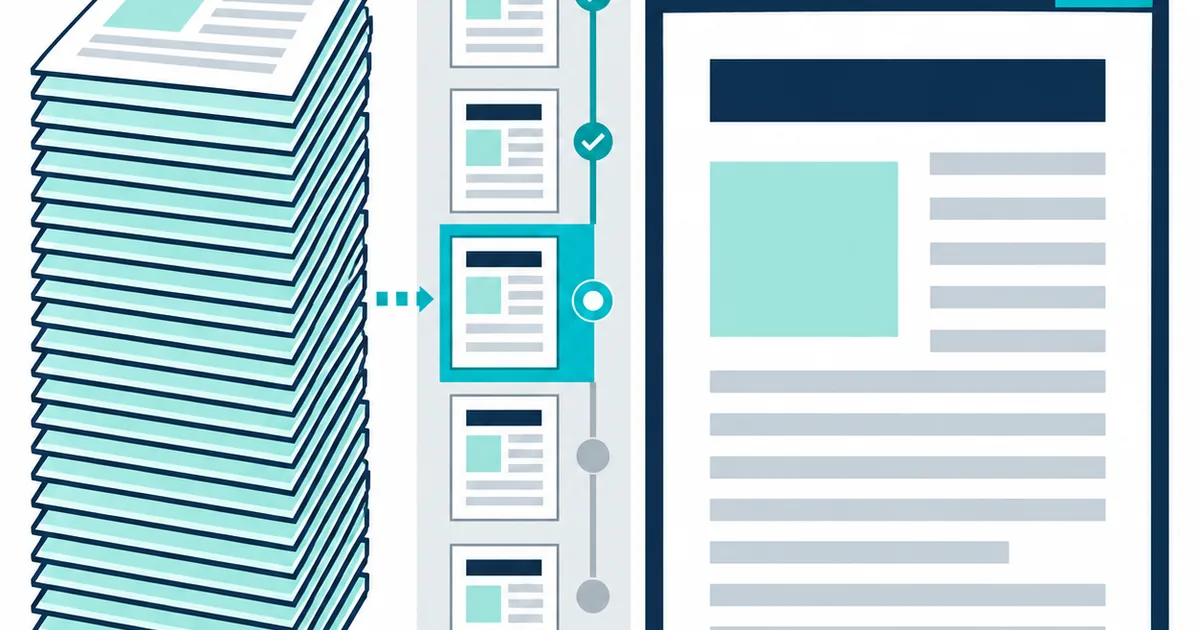
A long PDF needs progress boundaries. Page navigation isolates weak results, while retry controls let one difficult scan be processed again without forcing the reviewer to lose their place.
Use this workflow when a document is too long for a one-screen result and page-level recovery matters. The goal is not to stare at one very long text box. It is to find the pages that break the pattern and repair them without losing the document sequence.
Confirm whether the source is intentionally blank, image-only, rotated, or outside the selected range.
Inspect blur, faint print, small type, a changed layout, or a different language on that page.
Compare the end of one page with the start of the next for missing or repeated text.
A long file can contain several document types. Covers, appendices, tables, foldouts, and inserted scans may each need a different review decision.
Include pages that represent the document, not only the clean opening pages. Tables, inserts, footnotes, and faded appendices reveal problems that a cover will not.
Look for empty results, abrupt word-count changes, or low confidence before reading the full text. These signals quickly identify pages that need source comparison.
Use the page retry control for an isolated weak scan. If many pages fail in the same way, change the source or settings and run a smaller diagnostic range instead.
After page-level corrections, read the transition between pages. Repeated headers, missing footers, split sentences, and inserted blank pages can disrupt the combined result.
The result page keeps a button for each processed source page. The active page shows its text, confidence, and word count, with a retry control available until the temporary file expires.
Move directly to a page rather than scrolling through the entire combined result.
Use page length and confidence to prioritize source checks, not as proof of correctness.
Run one page again when an isolated recognition failure does not justify restarting the full range.
Read page transitions after corrections and download the combined result only when the order is sound.
Choose the right retained output with Should You Keep a Searchable PDF or Plain Text?.
For page order and long-document output choices, continue with the long-document OCR workflow guides.
Long scanned reports, archives, manuals, case files, and document batches stored as one PDF.
Unlimited background processing, native PDF text extraction, or rebuilding the source layout.
Empty pages, low-confidence pages, page transitions, repeated headers, columns, and tables.
The page navigator isolates weak pages before export. Markdown keeps readable page sections, JSON preserves page records, and CSV provides local word positions for detailed checking.
Only when the file size and page quality are consistent. A representative range can expose rotation, language, or layout problems before a longer run. Check scan resolution before a long run.
The retry replaces that page in the page review and updates the combined text for the current result. Compare it before downloading again. Decide which pages deserve another pass.