
Inspect the source
A sharp source provides OCR with usable character detail. Check focus, size, perspective, light, contrast, and compression.
Improve OCR accuracy with practical guidance on scan resolution, focus, lighting, contrast, rotation, layout selection, and result review.
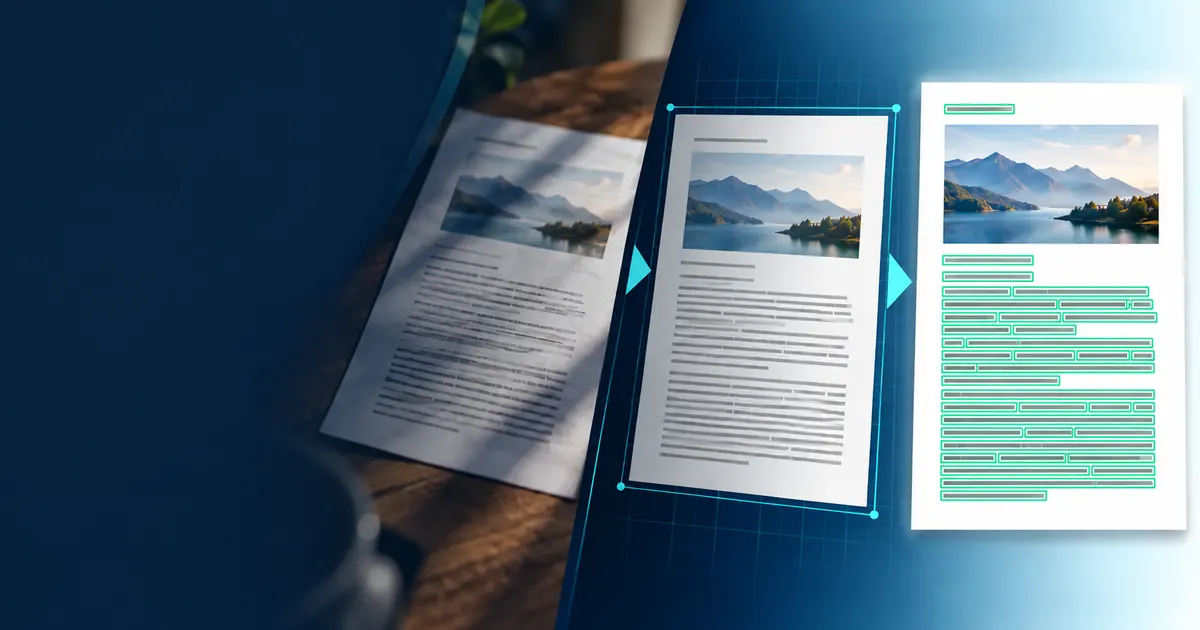
A useful accuracy workflow identifies whether information was lost during capture, preprocessing, layout detection, or recognition before trying another tool. When you are ready to apply the guidance, test image ocr.
Fix capture problems with the OCR accuracy checklist, and choose a useful resolution with the scan DPI guide before processing a full batch.
A sharp source provides OCR with usable character detail. Check focus, size, perspective, light, contrast, and compression.
The layout mode uses assumptions about paragraphs, columns, or sparse labels. Choose the one that reflects the page.
Human review provides a final check for names, amounts, dates, identifiers, and instructions that drive action.
Changing several settings at once makes an OCR test hard to interpret. Keep one representative page, save the first result, and change one source or layout variable. The comparison should explain whether the problem came from missing pixels, page segmentation, recognition, or review.
| What you see | Likely cause to inspect | Next test |
|---|---|---|
| Thin letters disappear | Low contrast, blur, aggressive cleanup, or too few source pixels | Return to the original image and compare a sharper or higher-resolution capture. |
| The same character fails repeatedly | Language choice, unusual typeface, damage, or compression | Confirm the recognition language and inspect that character at actual size. |
| Words are correct but scrambled | Layout assumptions do not match columns, labels, or panels | Try the layout mode that best describes the page and compare reading order. |
| Only one region fails | Local shadow, fold, glare, skew, handwriting, or a background pattern | Crop that region and correct the capture problem instead of filtering the whole page. |
| Numbers look plausible but differ | Small punctuation or similar character shapes | Check every decision-driving number directly against the source. |
You do not need a formal benchmark to improve one document set. A short test record prevents circular tweaking and shows whether a change helped the fields that matter.
For scan resolution, start with the tradeoffs in the OCR DPI guide. More pixels help only when the capture contains sharper character information.
A focused equation needs a different review order from ordinary prose. Use the formula image to LaTeX tool when grouping, symbol position, and math delimiters must remain explicit.
Use the capture checklist to separate blur, scale, contrast, rotation, and layout problems, then choose a scan resolution that preserves useful character detail.
The largest OCR gains often come from fixing the capture, not changing the recognition engine.
10 minute guideMore pixels help only until the characters are clearly sampled; after that, file size and processing cost rise faster than recognition quality.
8 minute guide