
Dimensions
Are characters large enough in the source?
An OCR quality check measures source characteristics that commonly affect recognition, including pixel dimensions, contrast, edge sharpness, skew, and text near the crop boundary. It cannot guarantee accuracy, but it can identify problems worth fixing before a large OCR run.
The checks identify measurable source risks. They do not guarantee a recognition result or claim to recover detail missing from the pixels.
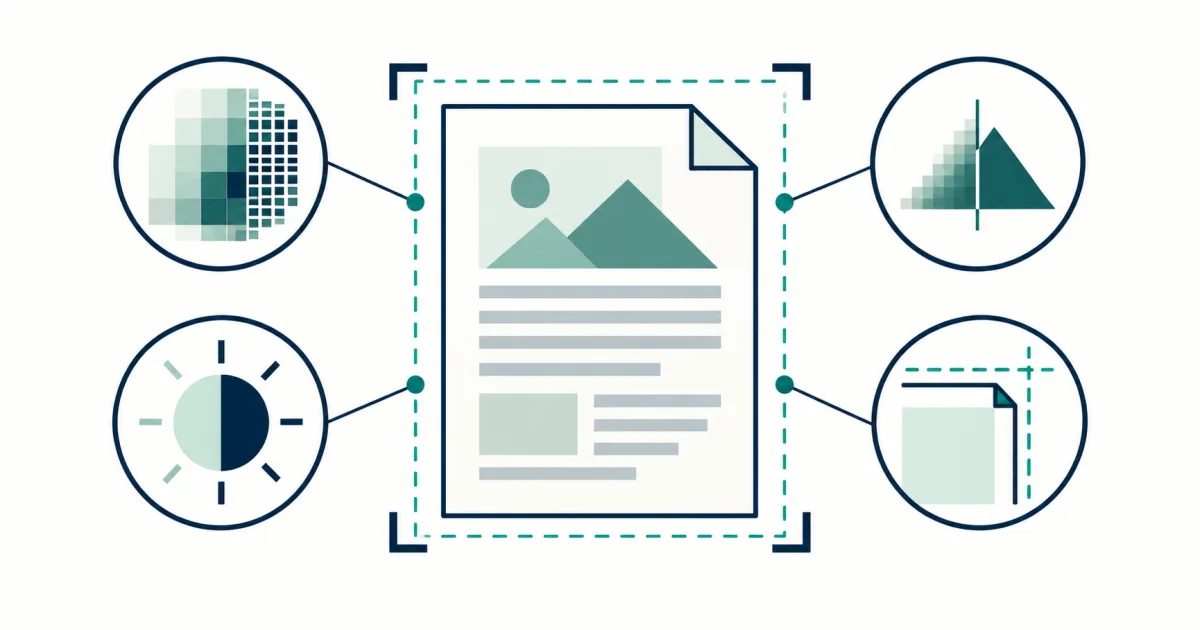
The checker reports measurable image properties and connects them to practical actions. The result is a preparation checklist, not an invented universal accuracy score.
Use this checker to diagnose the source rather than repeatedly changing OCR engines without knowing what is wrong. Dimensions, contrast, sharpness, skew, and crop-edge activity explain different failure modes and require different fixes.
Are characters large enough in the source?
Do strokes separate from the background?
Do real edges survive capture?
Are lines upright and safely inside the crop?
A quality report is useful only when it changes what you do next. Retake problems caused by capture, and use cleanup only for information still present in the pixels.
A document can look clean when zoomed out while individual characters contain too few useful pixels.
Retake blur, glare, severe perspective, and clipped edges whenever the original is available.
Compare one cleanup setting at a time on the same representative region.
A clean cover does not represent small print, tables, faded appendices, or camera-captured inserts.
Contrast and edge measurements describe pixels, but language, typeface, layout, and character size still influence the OCR result.
Apply each finding with How to Improve OCR Accuracy Before You Upload.
For fixes tied to each source problem, use the scan preparation and OCR accuracy guides.
Diagnosing scans, photos, screenshots, and representative PDF pages before OCR.
Certifying image quality, restoring missing detail, or predicting exact OCR accuracy.
Small text, blur, glare, rotation, perspective, clipping, and inconsistent pages.
No. Language, typeface, layout, and document content also matter. The checks identify source risks rather than guarantee a result. Understand what confidence can and cannot say.
No. Sharpening may emphasize surviving edges, but it cannot reconstruct strokes removed during capture. Use the source-quality checklist.