
Photograph one card
Fill the frame while keeping every edge and line visible.
Business card OCR turns visible contact details into editable fields and a downloadable vCard. Verify names, international phone prefixes, email punctuation, websites, job titles, and address lines before importing the contact.
Check name order, job title, country code, extension, email punctuation, domain, and address before importing the vCard.
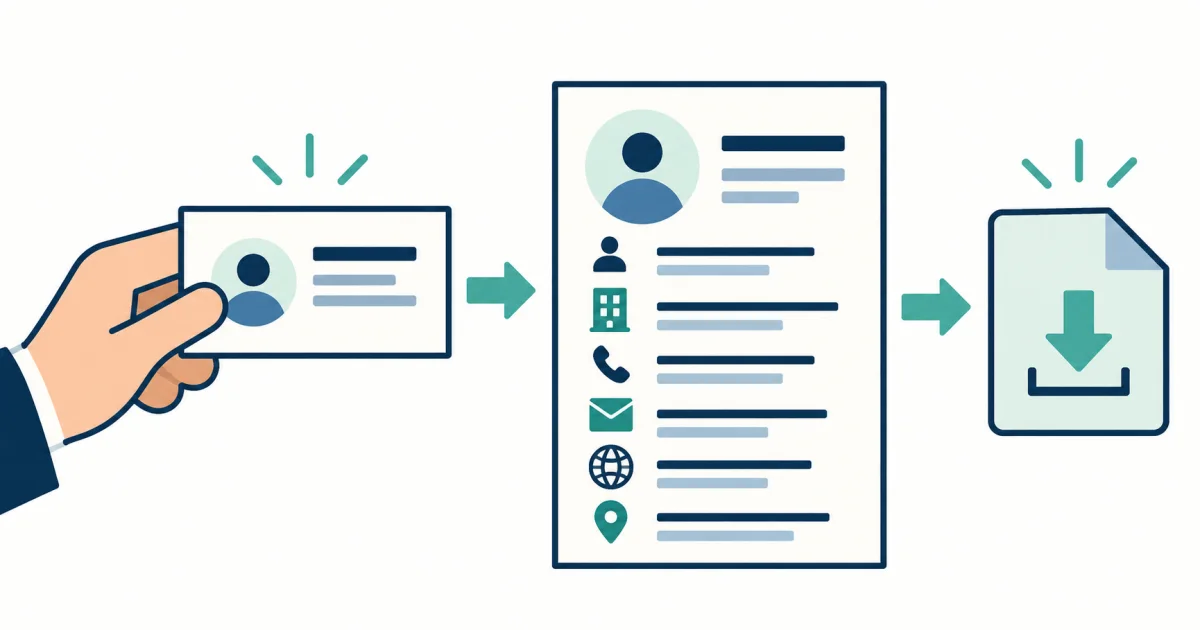
Cards arrange information for people, not databases. The field review makes the proposed name, company, role, phone, email, website, and address explicit before export.
Use this tool when the next step is a clean contact record rather than an unstructured block of card text. Typography and position suggest which line is a name, company, role, or address, but the result keeps each proposed field editable.
Plus signs, country codes, extensions, dots, hyphens, and underscores are small, but one error can make an email or telephone number unusable.
Fill the frame while keeping every edge and line visible.
Tilt the light source rather than the card so small email characters remain sharp.
A missed dot, hyphen, plus sign, or underscore can make contact details unusable.
Bilingual and stylized cards may show several name orders; export the one the contact uses.
When a card lists office, mobile, fax, or regional numbers, preserve their labels instead of merging them into one field.
Contact applications may display organization, role, and address fields differently. Open the downloaded card and check the final record before saving it. Use How to Improve OCR Accuracy Before You Upload for capture checks.
For capture and personal-data decisions, use the contact-data privacy and safety guides.
One clear printed business card with standard contact details.
Verifying identity, scraping card collections without permission, or resolving private social profiles.
Names, titles, country codes, extensions, emails, domains, and multi-line addresses.
Yes, after reviewing it. Contact apps interpret some address and organization fields differently. See how structured extraction is reviewed.
Use the bilingual OCR tool when preserving both scripts matters, then enter the preferred contact form deliberately. Open English and Chinese OCR.