
Preserve the source page
The scan remains the page a reader sees.
A searchable PDF keeps the visible scan and adds an invisible text layer for search, selection, and copying. The generated layer follows local OCR word positions, so verify reading order and critical fields before archiving or sharing the file.
Search, select, and copy from the generated PDF, then compare important text and reading order with the visible page.
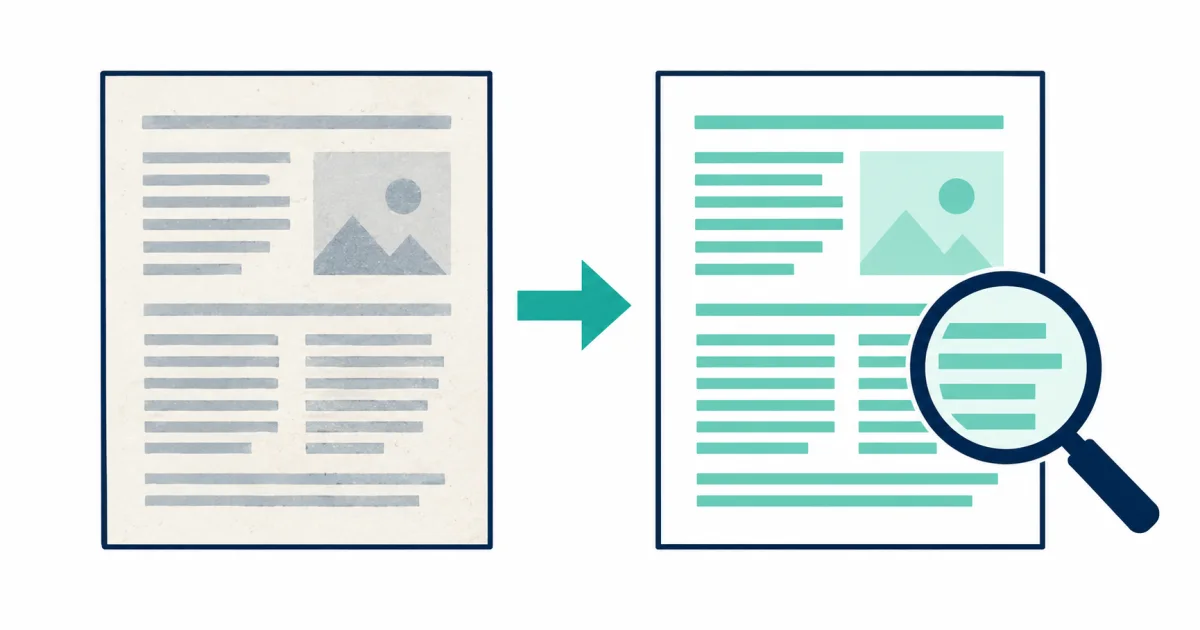
The page remains visually unchanged while recognized words are positioned behind it. Search and copy become possible without pretending that OCR recreates document semantics.
Use this tool when the original page appearance must remain visible but the document also needs selectable text. The PDF does not redraw the document. It places invisible words behind the scan using the positions found during local OCR.
The scan remains the page a reader sees.
Word boxes are mapped to PDF coordinates as an invisible layer.
Search, select, and copy before relying on the document.
A PDF can look correct while its hidden reading order is wrong. Test representative headings, paragraphs, columns, and tables.
Rotation and perspective make it harder to align the invisible word layer with the visible characters.
Select a paragraph across columns or sidebars and confirm that copied words follow a useful sequence.
Retain an untouched source file when the document has legal, historical, or evidentiary value.
A searchable layer can expose hidden copyable text, so review private information before distribution.
Search a heading, a body sentence, and text near the final page so verification covers several layouts and page locations.
Compare the retained outputs in Should You Keep a Searchable PDF or Plain Text?.
For output and accessibility decisions, continue with the searchable document workflow guides.
Scanned letters, reports, records, and document images that must retain their appearance.
Creating a tagged PDF, repairing document semantics, or certifying PDF/A or PDF/UA compliance.
Columns, tables, page rotation, copy order, and private text that becomes searchable.
No. Searchable text helps, but accessible PDFs also require logical reading order, document language, headings, table structure, and meaningful alternatives. Review the accessibility workflow.
The visible scan is retained. The added text layer is intended for selection and search, not visual replacement. Compare searchable PDF and text output.