
What Is OCR? A Practical Guide to Optical Character Recognition
OCR is not one act of “reading.” It is a pipeline: clean the image, locate text, recognize characters, then reconstruct useful order.
8 min readUse these OCR guides to understand recognition, improve scan quality, preserve reading order, choose an output, and decide whether a document is safe to upload.
If you already know the source format, choose from the OCR converter tools. If not, start with OCR basics and follow the topic path that matches your document or review risk.
You do not need to diagnose the OCR engine first. Match the source or result to a visible symptom, then use the linked guide to run a focused check.
| What you notice | What to check first | Useful guide |
|---|---|---|
| Small or faint characters are missing | Check sharpness, contrast, character height, and whether the original contains enough detail. | Diagnose OCR accuracy problems, then compare scan resolution choices. |
| The result looks fluent but important values may be wrong | Review names, dates, amounts, identifiers, and low-confidence words against the source. | Use confidence scores without treating them as proof. |
| Words are correct but appear in the wrong order | Inspect columns, labels, sidebars, captions, and the layout mode used for recognition. | Repair reading order and document structure. |
| Receipt or invoice fields drift into the wrong column | Separate character recognition from field assignment and verify the relationships between values. | Review receipts, invoices, and tables field by field. |
| Handwritten words remain uncertain | Look for connected strokes, personal letter forms, weak baselines, and missing context. | Decide when handwriting OCR needs human transcription. |
| The document contains private or controlled information | Identify the owner, governing rule, processors, copies, retention, and safer alternatives before upload. | Complete the online OCR privacy checklist. |
Learn how optical character recognition turns images into text, how OCR confidence works, why errors happen, and when human review is required. Start with the ocr basics topic hub for the complete path through these guides.

OCR is not one act of “reading.” It is a pipeline: clean the image, locate text, recognize characters, then reconstruct useful order.
8 min readConfidence is the engine's certainty about its own prediction, not an independent measurement of truth.
7 min readOCR is fastest when documents are repetitive and legible; people remain essential when context and consequence dominate.
7 min readImprove OCR accuracy with practical guidance on scan resolution, focus, lighting, contrast, rotation, layout selection, and result review. Start with the ocr accuracy lab topic hub for the complete path through these guides.
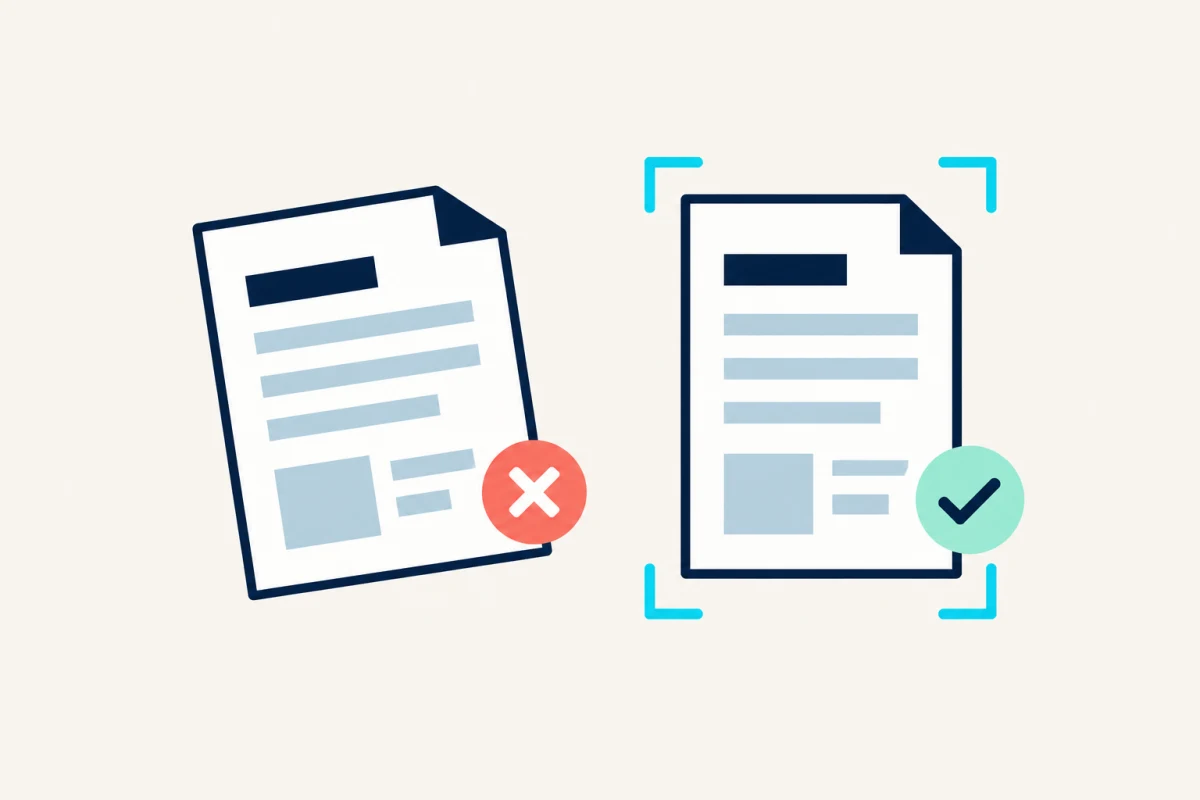
The largest OCR gains often come from fixing the capture, not changing the recognition engine.
10 min readMore pixels help only until the characters are clearly sampled; after that, file size and processing cost rise faster than recognition quality.
8 min readBuild practical OCR workflows for scanned PDFs, screenshots, handwriting, receipts, invoices, tables, archives, and accessible documents. Start with the document workflows topic hub for the complete path through these guides.
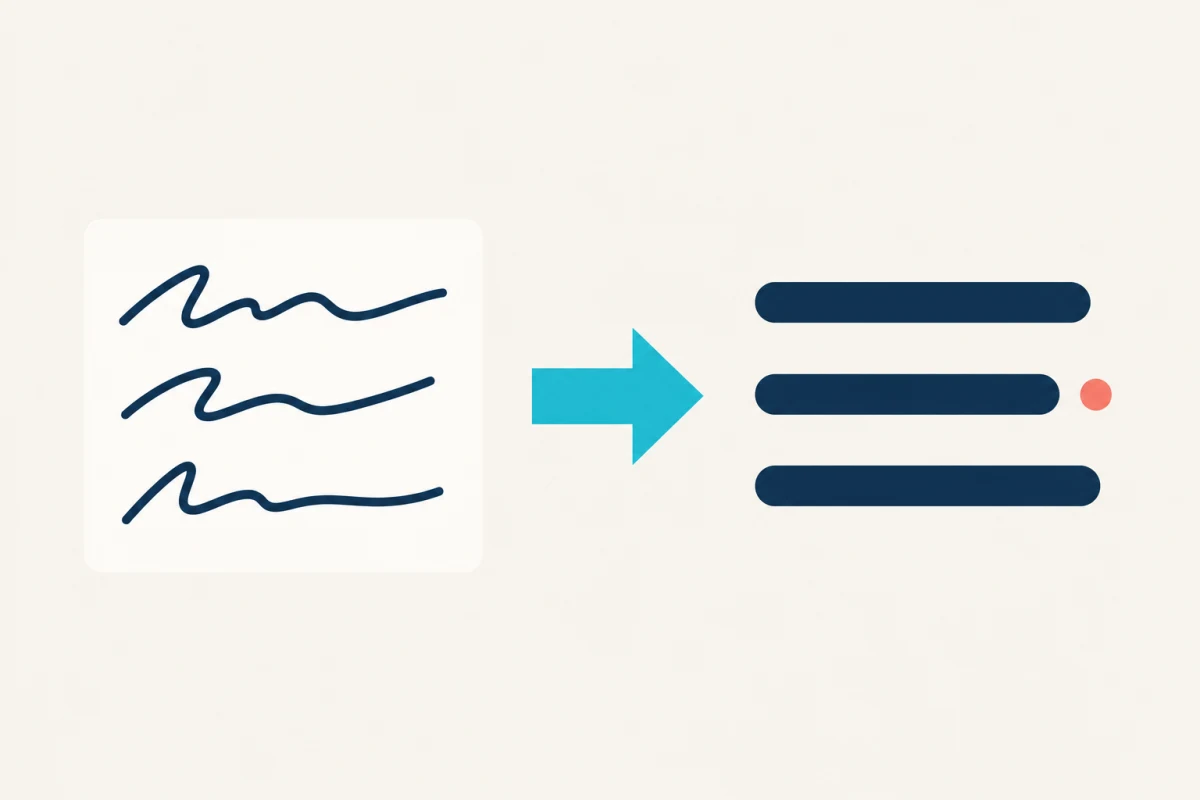
Handwriting recognition is useful for drafting and discovery, but personal letterforms make certainty much harder than printed OCR.
9 min readA page can be recognized correctly as text and still be wrong as a table. Structure needs its own validation.
10 min readThe best OCR output is determined by the next job, not by the input file extension.
8 min readAdding searchable text improves a scan, but accessibility also depends on structure and meaningful reading order.
9 min readEvaluate online OCR privacy, file retention, remote processing, sensitive-document risks, and when a controlled offline OCR workflow is safer. Start with the privacy & safety topic hub for the complete path through these guides.
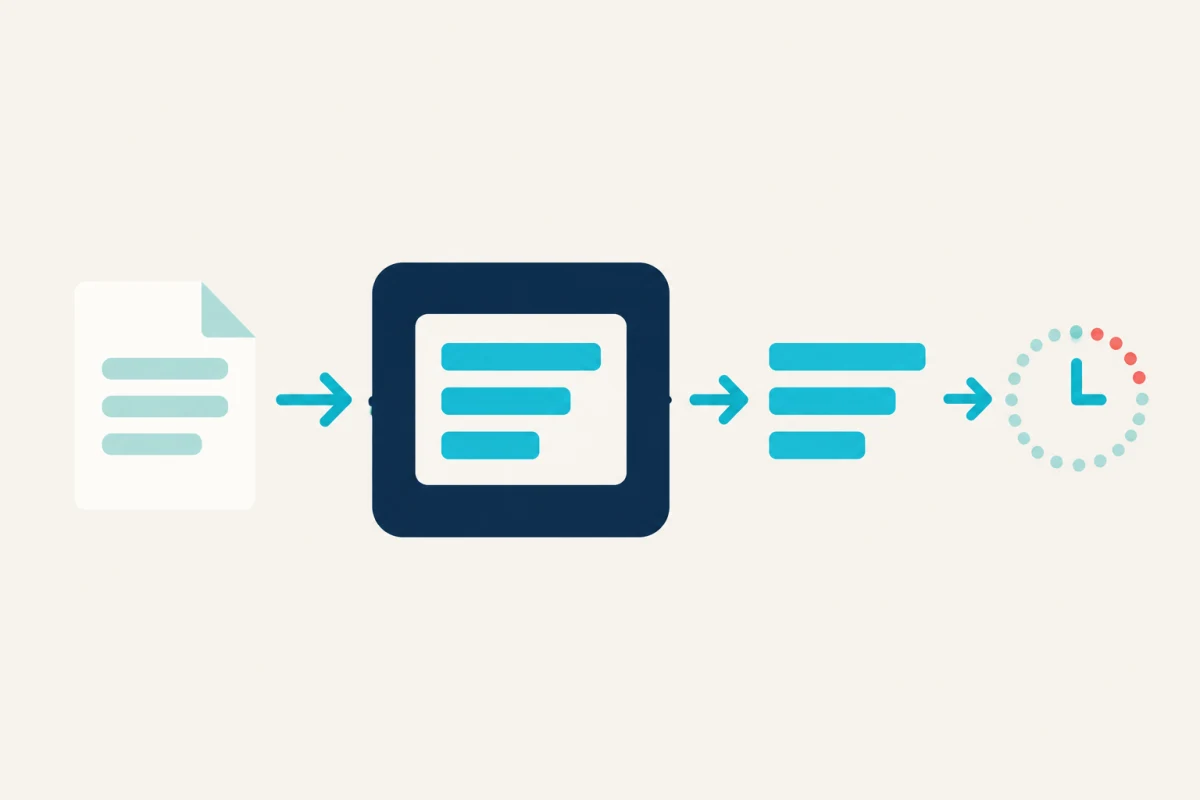
The safest OCR workflow begins by classifying the document, not by reading a privacy badge after upload.
8 min read