
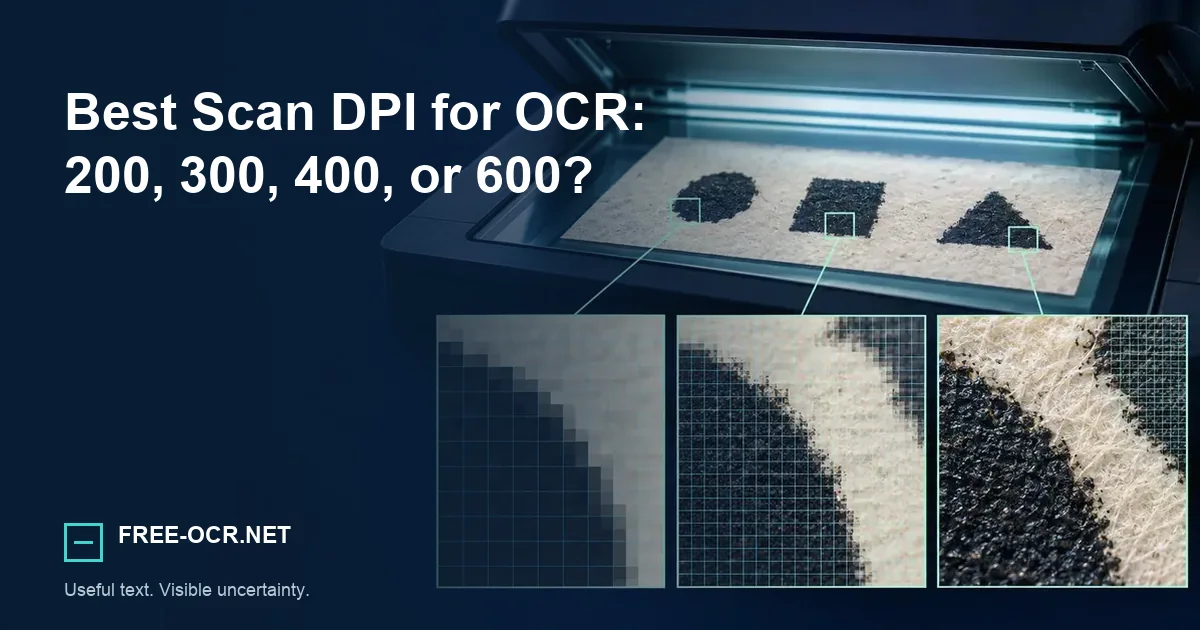
Choose a scan resolution for OCR based on font size, source quality, storage, and processing time, not one universal DPI rule.
Start at 300 dpi, then inspect
For ordinary printed documents, 300 dpi is a practical OCR baseline. Raise it only when smaller type or a weaker original gains real character detail.
large clean print300 dpi
routine documents400 to 600 dpi
small or degraded text
The practical baseline
For clean business documents with ordinary 10 to 12 point type, 300 dpi balances character detail, file size, and speed. Two hundred dpi may work for large, high-contrast print. Small type, faint carbon copies, or degraded originals can justify 400 to 600 dpi.
Choose by the smallest useful character
Scan one representative page, inspect its smallest important text at actual size, and check whether punctuation and enclosed letter shapes remain distinct.
Test a representative page with the scanned PDF to text tool before committing to a full scan job.
DPI is not image quality
A 600 dpi scan can still be blurred, clipped, over-compressed, or badly thresholded. DPI describes sampling density; it does not measure focus, contrast, or whether the scanner introduced artifacts.
- Sampling
- DPI describes how densely a scanner records the page.
- Focus
- Optics and motion determine whether captured edges are sharp.
- Processing
- Thresholding, compression, skew, and clipping can remove usable detail.
Resolution is only one variable in the broader OCR accuracy checklist.
Color choices matter
Grayscale usually retains more useful edge information than aggressive black-and-white thresholding. Use color when colored annotations carry meaning. Convert only after preserving an archival master if the source is important.
Grayscale
A strong default for most monochrome pages because it keeps edge variations that harsh thresholding may erase.
Color
Keep it when highlights, stamps, annotations, or colored type carry meaning.
Black and white
Use only after checking that thin strokes and faint print survive the conversion.
A decision table
Use 200 dpi for large clean print and quick drafts, 300 dpi for routine documents, 400 dpi for small print or weaker originals, and 600 dpi for tiny text or archival capture when storage and time are acceptable. Test a representative page before scanning a box.
| Resolution | Useful starting case | Check before continuing |
|---|---|---|
| 200 dpi | Large, clean, high-contrast print or a quick draft | Small punctuation and enclosed letter shapes |
| 300 dpi | Routine office documents with ordinary type | The smallest important text on a representative page |
| 400 dpi | Small print, faint copies, or weaker originals | Whether extra pixels preserve detail instead of blur |
| 600 dpi | Tiny print or archival capture with enough storage | Processing time, file size, and actual recognition gain |
A short batch test
Process the hardest representative page at two settings. Keep the lower resolution when both preserve the same important characters and structure.
Method and sources
The resolution ranges are practical scanning starting points, not results from a private benchmark. Source type, character size, optics, compression, and downstream storage needs still determine the useful setting. Reproduce the technical behavior with the documented Free-OCR.net OCR methodology.
- Tesseract output-quality guidanceWhy source resolution, borders, skew, and segmentation affect recognition.
- Library of Congress resolution guidanceWhy 300 dpi is a starting point rather than a universal quality guarantee.