
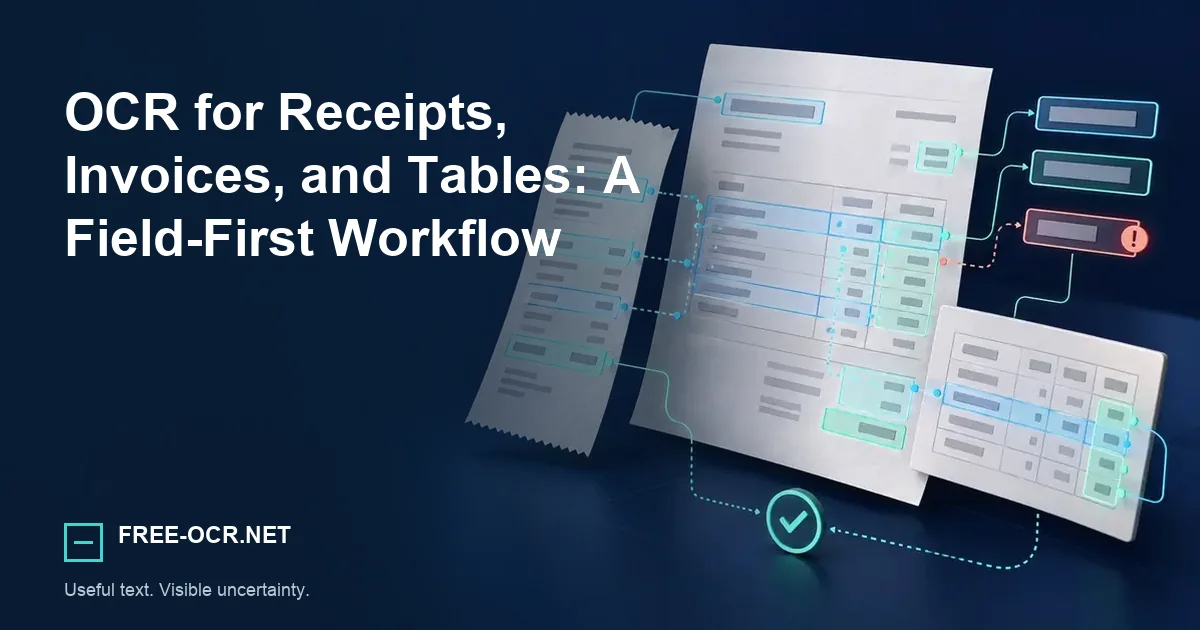
Extract text from receipts and invoices without losing sight of columns, totals, decimal points, taxes, and line-item review.
Recognize, map, then validate
Receipt and invoice OCR is reliable only when character recognition, field assignment, row structure, and arithmetic are checked as separate tasks.
- ReadPredict text and positions
- MapAssign labels, values, and rows
- CheckVerify fields and arithmetic
Separate recognition from extraction
OCR predicts characters and their positions. Turning those predictions into vendor, date, subtotal, tax, total, and line items is a second task. Do not judge structured output only by whether the visible words look right.
Recognition question
Which characters and words appear, and where are they located?
Extraction question
Which value is the date, tax, subtotal, total, vendor, or line-item quantity?
Preserve coordinates when structure matters
Plain text flattens columns. JSON with page and line records, TSV, or hOCR is more useful when a downstream process needs spatial relationships. CSV is appropriate only after rows and fields have been validated.
The Image to Text tool provides JSON and CSV diagnostics when positions matter, but it does not validate invoice fields.
Review the dangerous characters
Decimal separators, minus signs, 0/O, 1/I, currency marks, and faint thermal-print digits cause disproportionate accounting errors. Recalculate totals rather than accepting a recognized total in isolation.
Amounts
Check decimal marks, thousands separators, minus signs, and currency symbols.
Characters
Compare 0 with O, 1 with I, 5 with S, and 8 with 3 in the source.
Relationships
Confirm that each amount belongs to the correct line, label, and quantity.
Arithmetic
Recalculate subtotal, tax, discounts, and total instead of trusting one recognized figure.
Use the confidence-score guide to prioritize review without skipping arithmetic checks.
Handle long receipts
Capture long receipts in overlapping, square segments with consistent light. Remove duplicate lines after OCR. A single distant photograph may fit the whole receipt but leave each character too small for reliable recognition.
Divide
Photograph overlapping square sections so every character remains large enough.
Keep conditions steady
Use the same distance and even light from top to bottom.
Reassemble carefully
Use overlapping lines to order sections, then remove duplicates.
Audit the finished record
Compare key fields and totals with the original receipt.
Method and sources
This workflow separates recognizing characters from assigning fields and reconstructing rows. It recommends checking arithmetic and source positions instead of treating plausible text as validated accounting data. Reproduce the technical behavior with the documented Free-OCR.net OCR methodology.